Free Minecraft server store: what a free plan really costs
Two free ways to open a Minecraft server store, what each one limits, what you still pay per sale, and when it makes sense to move to a paid plan.

Tanz
3 min read
Yes, you can open a Minecraft server store without paying a monthly fee. Both Tebex and Gamecart have a free plan. "Free" means two different things, though: one charges a percentage of every sale, the other charges nothing per sale and limits how big the store can get. Which one costs less depends on how much you sell.
The details below come from each company's own pricing page, opened on November 3, 2026. Prices and limits change, so check the pages again before you decide.
What "free" means on each side
| Tebex Starter | Gamecart Free | |
|---|---|---|
| Monthly fee | None | None |
| Fee per sale | Flat 5% on every transaction | None |
| Payment provider fees | Charged on top | Charged by your provider |
| Products | Unlimited packages | Up to 50 |
| Categories | No limit listed | Up to 3 |
| Team members | Team accounts included | Not included |
| Custom domain | Plus plan | Pro plan and above |
Sources: Tebex's server pricing page and Gamecart's pricing page.
The Tebex Starter plan has no subscription, but "a flat 5% fee for all transactions". Tebex's own fee page says the platform fee is deducted from the total transaction amount before taxes and gateway fees. It also lists what the fee covers, including chargeback protection and tax handling as the merchant of record.
Gamecart takes no commission on sales. On the Free plan you pay nothing for the plan, and your payment provider charges its own fees, as it would anywhere else. The store lives on a gamecart.shop subdomain, and the plan does not ask for a card.
The math on a real month
Say your server sells $400 of ranks in a month.
- Percentage model: 5% of $400 is $20 for the platform, before any payment provider fee.
- Flat-plan model: $0 for the platform. The plan is free, and the provider fee is the same one you would pay on any model.
At $2,000 a month the percentage fee is $100. The point isn't that one number is "right": a percentage fee costs nothing when you sell nothing and grows with every sale, while a plan with limits costs nothing until you hit a limit.
The percentage also buys something. On Tebex, the fee comes with chargeback protection and tax handling. On a direct model you handle both through your payment provider. The Gamecart vs Tebex comparison goes through that trade-off in full.
What the Gamecart Free plan limits
The limits that matter for a new server:
- 50 products and 3 categories. A typical first store, with a few ranks, a key crate and a currency pack, fits well inside that.
- Up to 3 servers, so a survival server and a minigames server can share one store.
- No custom domain, and the Gamecart branding stays. Removing it is a Pro feature.
- No Discord roles, no custom checkout fields and no team members.
Automatic delivery, analytics and store widgets are included on Free. The full table is on the pricing page.
Note
Plan prices depend on the visitor's region and are shown on the pricing page. There is no free trial of the paid plans, so the usual path is to start on Free and upgrade when you hit a limit.
When free stops being enough
Move to a paid plan when one of these is true, not before:
- You need more than 3 categories or more than 50 products.
- You want the store on your own domain, such as
store.yourserver.net, instead of a subdomain. - You want buyers to receive a Discord role together with the in-game rank.
- Someone besides you needs access to the dashboard.
Until then, spending on a plan buys nothing you are using.
Set up a free store in four steps
- Create the store. Sign up, pick Minecraft and choose the store address. The quickstart walks through it.
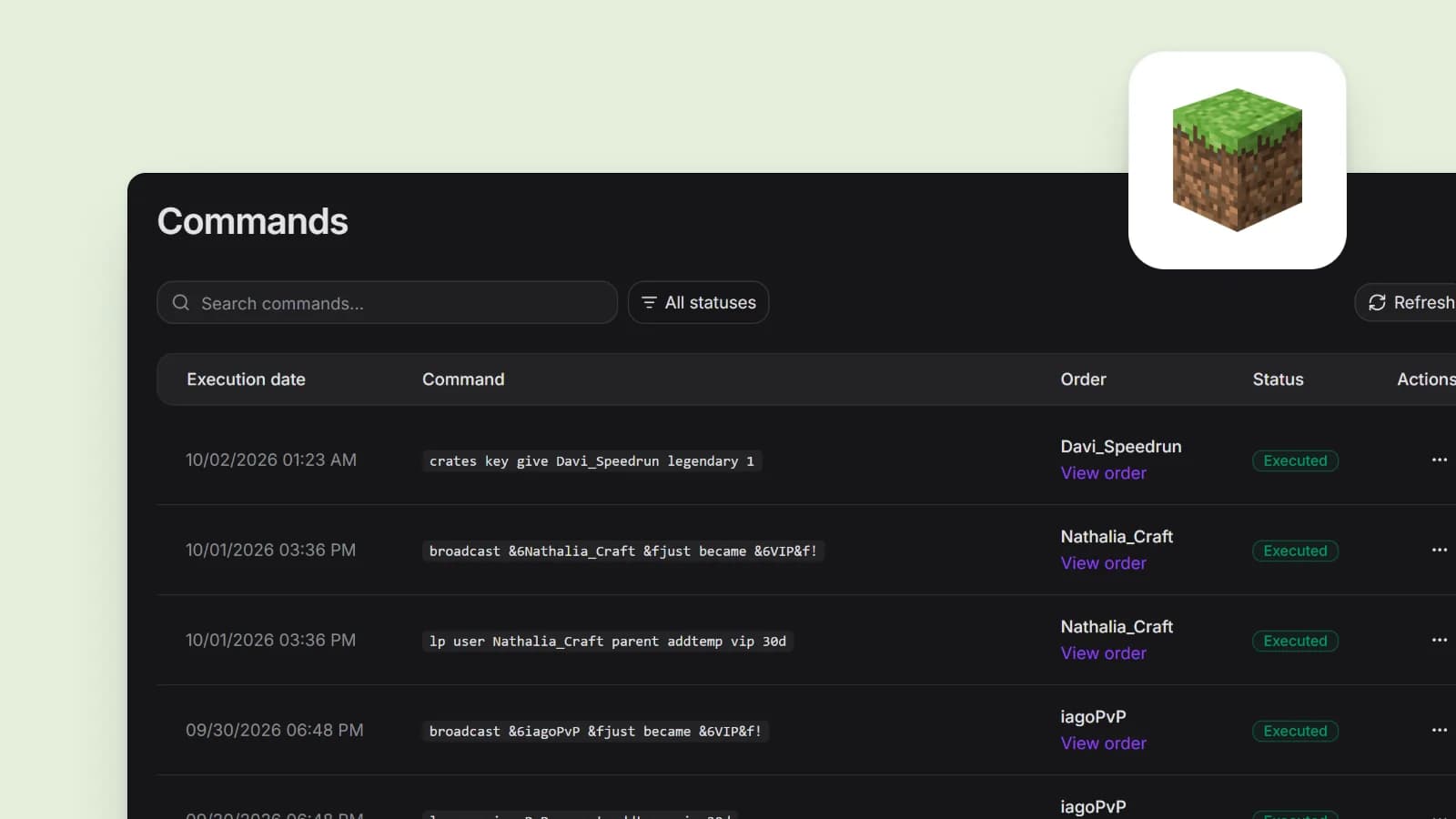
- Add your products. Create a category, then a product with its price. Each product holds the commands that deliver it, such as
lp user {identifier} parent add vip, where{identifier}becomes the name the buyer types at checkout. - Connect a payment provider. Payments go to your own account with the provider. The payment gateway guide says which ones work in your store's currency.
- Connect the server. Install the connector plugin on Paper, Spigot, Purpur, Folia, BungeeCord, Velocity or Fabric, or enable RCON and skip the plugin. See the Minecraft delivery guide.
Then buy your own cheapest product once and check that the rank arrives. Do this before you tell anyone the store exists. The guide to automatic rank delivery covers the test in detail, and the Minecraft page lists the supported platforms.
Free does not change what you may sell
Whichever store you use, Mojang's rules apply to your server. Ranks and perks can't give a competitive advantage, capes are off limits, and server currency can't turn into real money. Read the "Servers and hosting" part of the Minecraft Usage Guidelines, and see what you can sell on a Minecraft server for a summary.
Which free plan to pick
- You want taxes and chargebacks handled for you, and you accept a percentage for it: Tebex Starter.
- You want no per-sale fee and your catalog fits 50 products in 3 categories: Gamecart Free.
- You are not sure yet: open the free store first. It takes minutes, costs nothing, and you can see how many sales you actually make before comparing fees. When you set prices, how to structure and price server ranks helps with the part that matters more than the fee.
Sources

About the author
Tanz
Founder of Gamecart, the store platform for Minecraft, Hytale, FiveM, and other game servers.
Open your server store
Create a free Gamecart store, connect your server, and deliver purchases automatically.