How to deliver ranks automatically on Minecraft
Plugin or RCON, LuckPerms commands for timed and permanent ranks, player names, offline delivery and what to test before you sell your first rank.

Tanz
5 min read
Automatic rank delivery works like this: the payment is approved, the store queues a console command, and your server runs it with no staff member involved. The command usually comes from your permissions plugin, such as lp user {identifier} parent addtemp vip 30d accumulate in LuckPerms. The rest of the setup is choosing how that command reaches the server (a connector plugin or RCON) and testing it before you open sales.
Why manual delivery breaks down
Manual delivery means someone checks the payment, finds the player and runs lp user ... parent add by hand. It works for the first few sales.
Then a player buys at 3 a.m., nobody from staff is online, and the next thing you see is a support ticket asking where the rank is. A typo in the name gives the rank to the wrong account. And checking payments becomes somebody's daily chore.
Automatic delivery moves that step to the store. Whatever command your staff runs today is the command the store runs for them.
How the delivery flow works
There are three parts:
- You add the command the server should run to the rank product.
- When the order is approved, the store queues that command, with the buyer's name in place of
{identifier}. - A connector on your server picks up the command, or the store connects to the console over RCON, and the command runs.
In Gamecart, the server delivery docs describe that flow: a command with the On Purchase trigger is queued after the payment is approved.
Connector plugin or RCON
Both deliver the same command. What changes is how it gets to the console.
| Connector plugin | RCON | |
|---|---|---|
| What you install | A JAR in plugins/ (or mods/ on Fabric) | Nothing, you turn RCON on |
| Who opens the connection | Your server, polling for commands over HTTPS | The store, connecting to your RCON port |
| Open port | Not needed | RCON port reachable from the internet |
| Credential | Server token, stored in the plugin config | RCON password, stored in the store |
| Interval | Polls every pollIntervalSeconds (15 in the generated config) | Not applicable |
| When something fails | Network errors back off and retry; an invalid token stops polling until gamecart reload | If the result can't be determined, the command is marked Uncertain |
For most servers the plugin is the simpler starting point, and it is what the Gamecart docs recommend for most servers and proxies. RCON fits a server where you can't or don't want to add a plugin, such as vanilla.
Warning
Minecraft RCON is not encrypted. The Minecraft Wiki puts it plainly: "All data sent between the client and the server (including the rcon password) can be intercepted." If you expose RCON to the internet, use a long, unique password and, if your host allows it, restrict the port to the source that needs it.
Installing the plugin
In Gamecart, the Minecraft executor guide goes like this:
- In Integrations > Servers, click Create Server, pick Plugin and give it a name, such as
Survival. - Download the JAR for your platform (Spigot/Paper/Folia, BungeeCord, Velocity or Fabric) and drop it into
plugins/(ormods/on Fabric). - Start the server once to generate the config and paste the token into
serverToken. - Restart and run
gamecart statusfrom the console.
pollIntervalSeconds accepts 5 through 600. Use one token per installation: two servers on the same token compete for the same commands.
Setting up RCON
In server.properties, set enable-rcon=true, choose an rcon.password and check rcon.port (the Paper docs list 25575 as the default). With a blank password, RCON won't start at all.
Then, in Integrations > Servers, create a server with the RCON method and enter the public host, port and password. The Gamecart RCON page notes that this method has no token.
The rank commands, using LuckPerms
The examples use LuckPerms, but the same thinking applies to any permissions plugin. Write the command the way you would type it in the console, without a leading slash.
For a permanent rank:
lp user {identifier} parent add vip
parent add adds the group next to the ones the player already has and removes nothing.
For a 30-day rank:
lp user {identifier} parent addtemp vip 30d accumulate
Durations take forms like 30d or 1mo3d13h45m. The accumulate at the end is the part people tend to miss. According to the LuckPerms configuration page, the default temporary-add-behaviour is deny, which means "the command will just fail if you try to add a duplicate temporary node". Without the modifier, on the default config, a player who renews before the rank runs out pays and gets nothing. With accumulate, the new days stack on top of the remaining ones.
You can also let the store handle expiry instead. Use parent add, then set the product's duration in days. Gamecart schedules commands with the On Expiration trigger when the purchased item has an expiration date, and that is where lp user {identifier} parent remove vip goes. Pick one approach per product. With both in place, it gets hard to tell what removed a player's rank.
The gear icon on each command row holds Ignore quantity. When it is off, the command runs once per unit bought, so two units of a 30-day rank with accumulate become 60 days. Turn it on for a permanent rank. The other setting there, Offline delivery, is covered further down.
Note
If the connector runs on a proxy, commands run on the proxy console and are not forwarded to backend servers. On the proxy, the LuckPerms command is lpv (Velocity) or lpb (BungeeCord), and it only changes ranks across the network if every LuckPerms instance shares the same database, as the LuckPerms network guide requires.
Before you decide what goes into each rank, check what Mojang lets you sell. A perk that gives a competitive edge is off limits, no matter how well it is delivered.
The player name
{identifier} holds the value the buyer typed at checkout. On a Minecraft server, that is the username. If it is misspelled, the command runs with the wrong name, and LuckPerms gives the rank to another account or to nobody.
Servers that let Bedrock players in through Geyser need one more check. In the default Floodgate config, Bedrock names get a . prefix and spaces become _. A player who shows up as Steve Pro on their phone joins your server as .Steve_Pro, and that is the name the command needs. Run a test purchase with a Bedrock account before you advertise ranks to those players.
What happens when the player is offline
In Gamecart, each command has an Offline delivery setting. The command docs say to turn it on if the command may run while the player is offline.
So the question is whether your command works without the player online. A give has nobody to hand the item to, so leave the setting off. A permissions command may work offline, but confirm it on your server: turn the setting on for your test product, buy it with a name that is offline, and check the rank when that player joins.
Test before you sell
Create a cheap test product, such as "Test Rank 1 day", with the same command as the real rank. Put it in a hidden category: in Your store > Products, Hide category removes a category from the store lists but keeps it reachable by direct link.
Then:
- Run
gamecart statusin the console (or check the host and port, for RCON). - Buy the product with your own username.
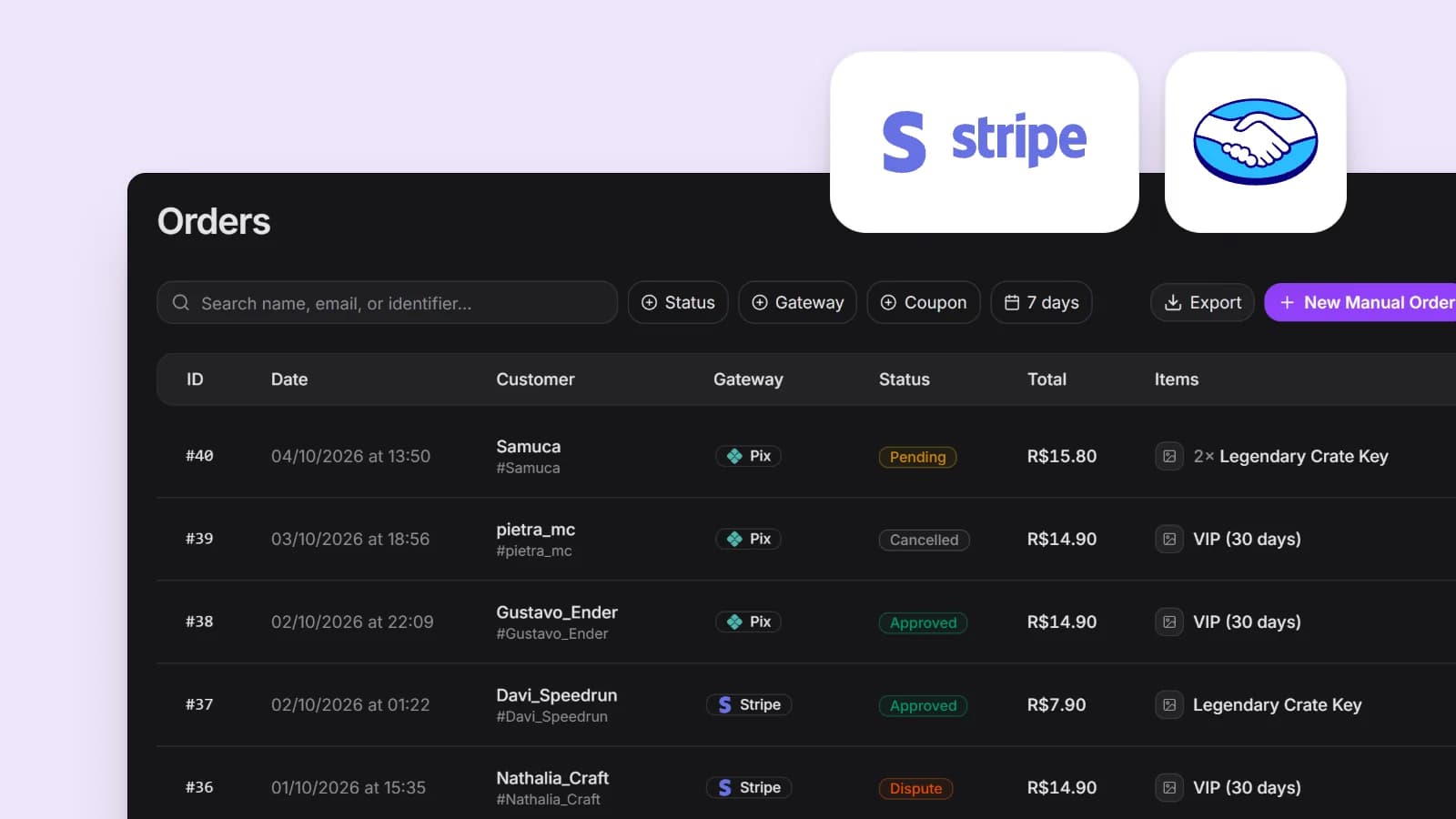
- Check that the order is approved in Sales > Orders.
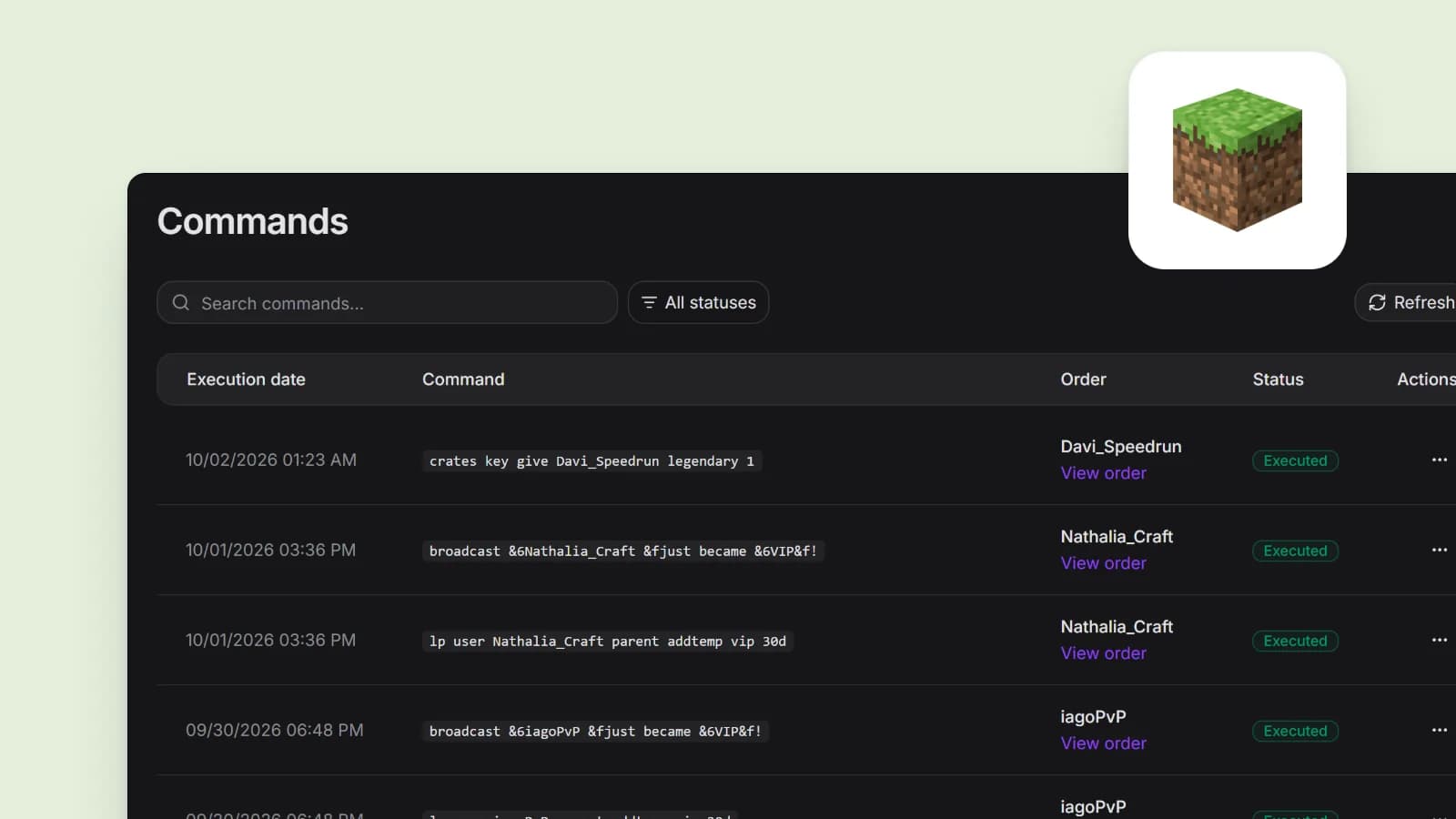
- Follow the command in Integrations > Commands and click Refresh.
- Join the server and run
lp user YourName parent infoto list the player's groups.
Executed means the delivery was recorded. Only checking in game tells you the command did what you meant.
When the rank doesn't arrive
| Symptom | What to check |
|---|---|
| Command stuck in Scheduled | Whether the plugin is polling: gamecart status, the token and the logs. After fixing, gamecart reload |
| Command Failed | The message in the dashboard, and the command run by hand in the console |
| RCON shows Uncertain | Whether the rank was already applied on the server, before you resend |
| Executed but no rank | The name typed at checkout, the group name in LuckPerms, and accumulate on renewals |
| Ran on the proxy, no effect on backends | Use lpv or lpb and check that the network's LuckPerms shares one database |
Warning
Resend creates a new attempt and can apply the command twice. With addtemp ... accumulate, an unneeded resend hands the player extra days. Check the server before you resend.
If you are still putting the store together, how to create a store for your server walks through the other decisions in order.
Sources
- https://github.com/LuckPerms/wiki/blob/master/pages/Parent-Commands.md
- https://github.com/LuckPerms/wiki/blob/master/pages/Configuration.md
- https://github.com/LuckPerms/wiki/blob/master/pages/Command-Usage.md
- https://github.com/LuckPerms/wiki/blob/master/pages/Network-Installation.md
- https://docs.papermc.io/paper/reference/server-properties/
- https://minecraft.wiki/w/Server.properties
- https://github.com/GeyserMC/Floodgate/blob/master/core/src/main/resources/config.yml

About the author
Tanz
Founder of Gamecart, the store platform for Minecraft, Hytale, FiveM, and other game servers.
Open your server store
Create a free Gamecart store, connect your server, and deliver purchases automatically.