
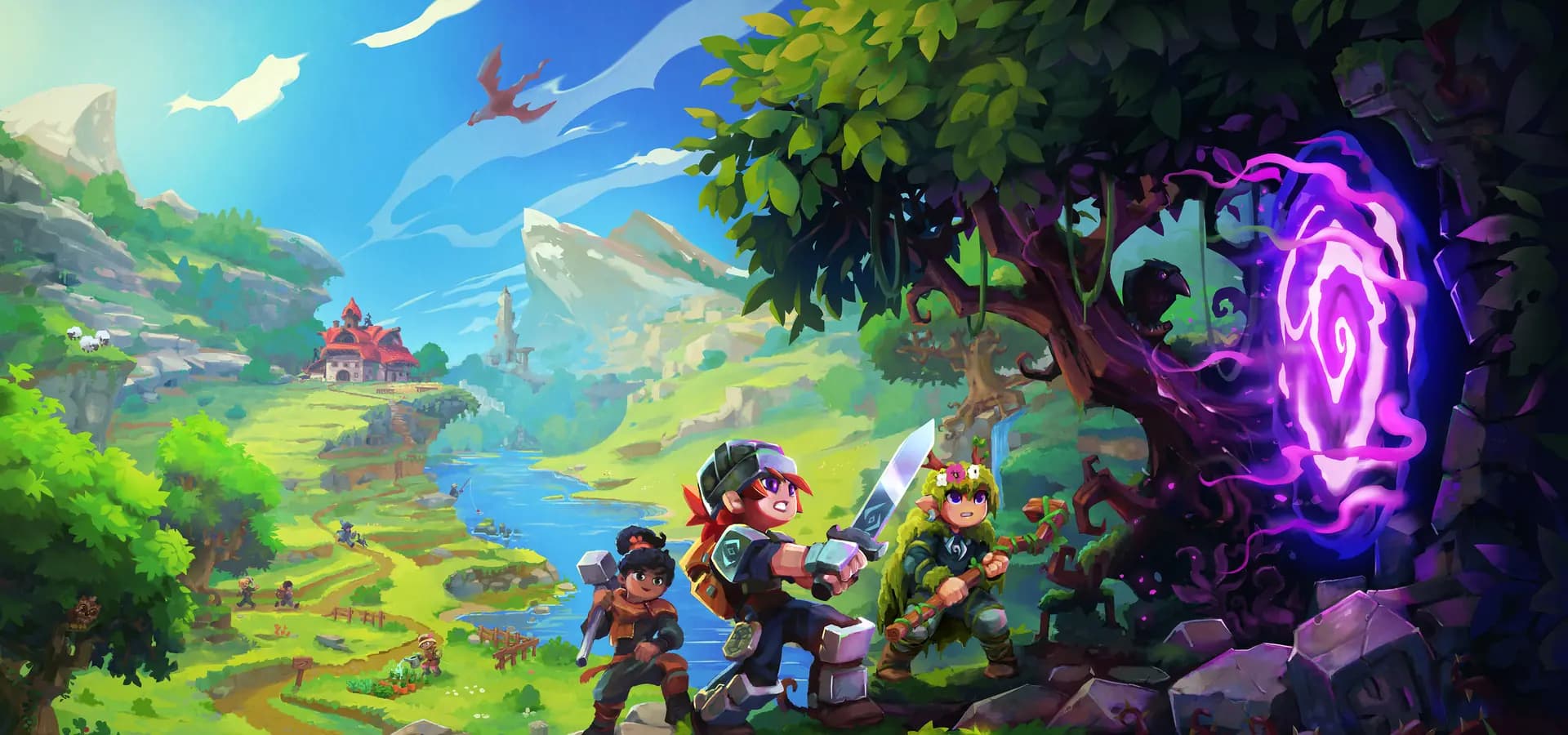
The store for your Hytale server
Sell cosmetics, ranks and access. The Gamecart plugin runs each purchase in your server's console.

- Hytale Server
How delivery works
- 1
The player pays in your store.
- 2
Gamecart puts the product's commands in your server's queue.
- 3
The connector runs each command in the console.
- 4
The player receives the purchase in game.
Install in a few minutes
- 1
Download the Gamecart plugin and put the JAR in your server's mods folder.
- 2
Start the server once to create the configuration file.
- 3
Paste the server token from your dashboard and run gamecart reload.
Ready for Hytale servers
Open with a store
Set up products and payments before your server opens, so sales start on day one.
Clear about gameplay items
Hytale's server policy allows items that change gameplay on Teen and Mature servers when the buyer is told before paying. Say it in the product description.
Payments to your account
Payments go straight to your account with the provider. Some gateways are regional and depend on your store's currency.
How to monetize a Hytale server
Hytale's server policy and EULA set what you can sell. Our guide covers each rule with the sources.
Read the guideExplore a Gamecart store
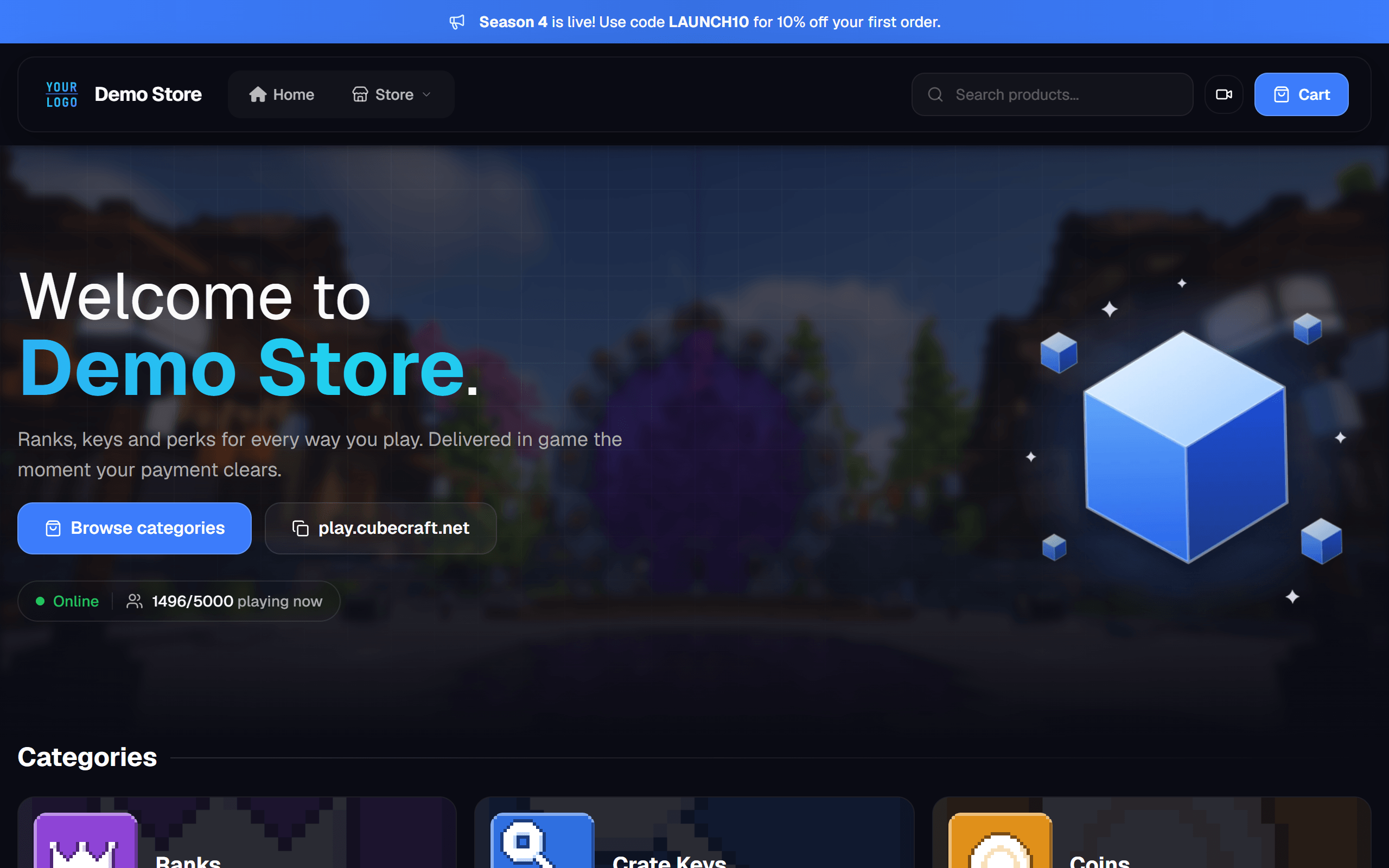
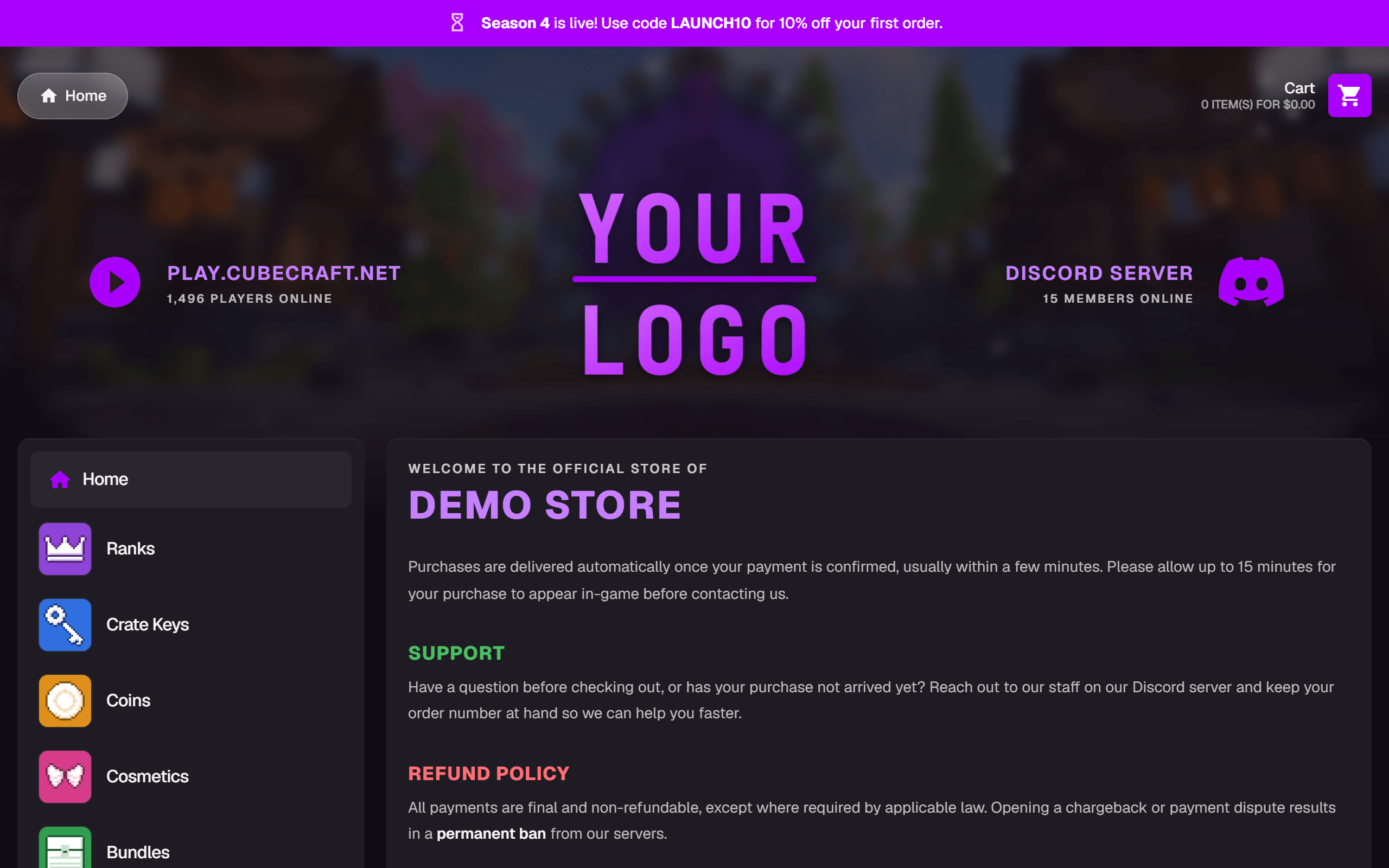
Choose one of the two official themes and visit its store as a player.
The default theme. A top menu with product search, a large welcome banner and category cards.
Categories in a sidebar, with your server and Discord up top.
How your players pay
Choose how to get paid. Gamecart handles checkout.

Stripe
International cards on a hosted checkout.


Mercado Pago
Card and account balance.

PicPay
Balance and card in the PicPay app.

PayPal
PayPal balance and card.

Pix
Instant payment with a QR code.

Crypto (NOWPayments)
Crypto payments on a hosted invoice.
Custom gateway
Integrate your own gateway on Enterprise.
More gateways coming soon.
Frequently asked questions
Which Hytale version does the plugin support?
The plugin follows the Hytale server API it was built for, and each new API version gets a tested plugin release.
Where do I install the plugin?
In the server's mods folder. It creates its configuration file on the first start.
Can I sell items that change gameplay?
On Teen and Mature servers, yes, as long as they are clearly tagged before purchase. Paid random items are not allowed on All Ages servers.
Does Hypixel take a share of my revenue?
Not today. The server policy sets the revenue share at 0% until January 13, 2028.
Guides from the blog
Join the community
Talk with other server owners and the team. Follow the latest releases.