

The store for your FiveM server
Sell VIPs, perks and access. The Gamecart resource runs each purchase as a command on your server.

- FXServer
How delivery works
- 1
The player pays in your store.
- 2
Gamecart puts the product's commands in your server's queue.
- 3
The connector runs each command in the console.
- 4
The player receives the purchase in game.
Install in a few minutes
- 1
Download the Gamecart resource and place it at resources/[gamecart]/gamecart.
- 2
Open config.js and paste the server token from your dashboard.
- 3
Add the ACE permissions and ensure gamecart to server.cfg, then start the resource.
Ready for FiveM servers
Nothing for players to install
The resource runs only on the server, with no client scripts or NUI.
You choose what it can run
Commands run under the resource's own ACE principal, so you grant only the commands your products use.
Payments to your account
Payments go straight to your account with the provider. Some gateways are regional and depend on your store's currency.
Discord rolesPro
Give buyers a role on your Discord server along with the in-game perk.
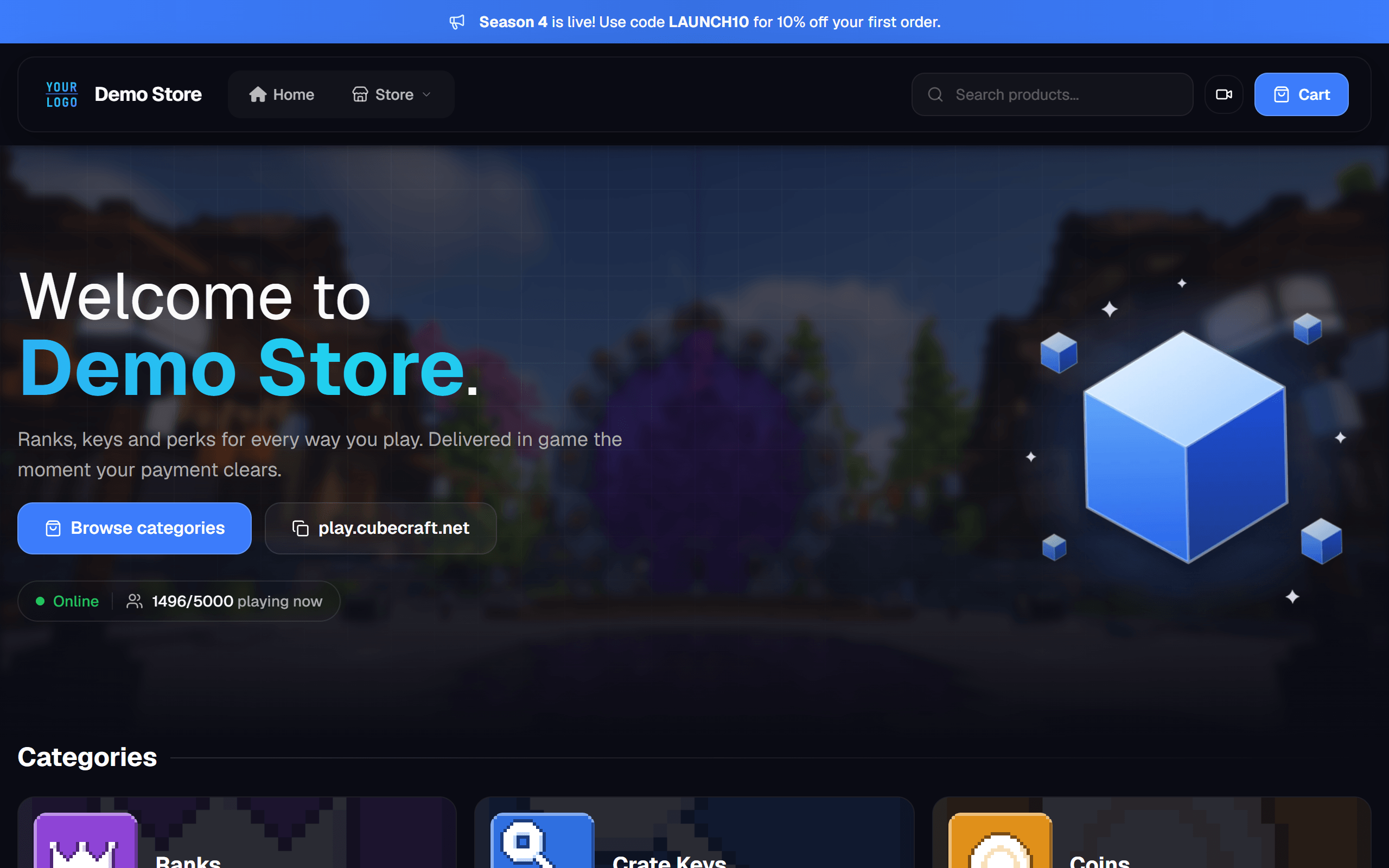
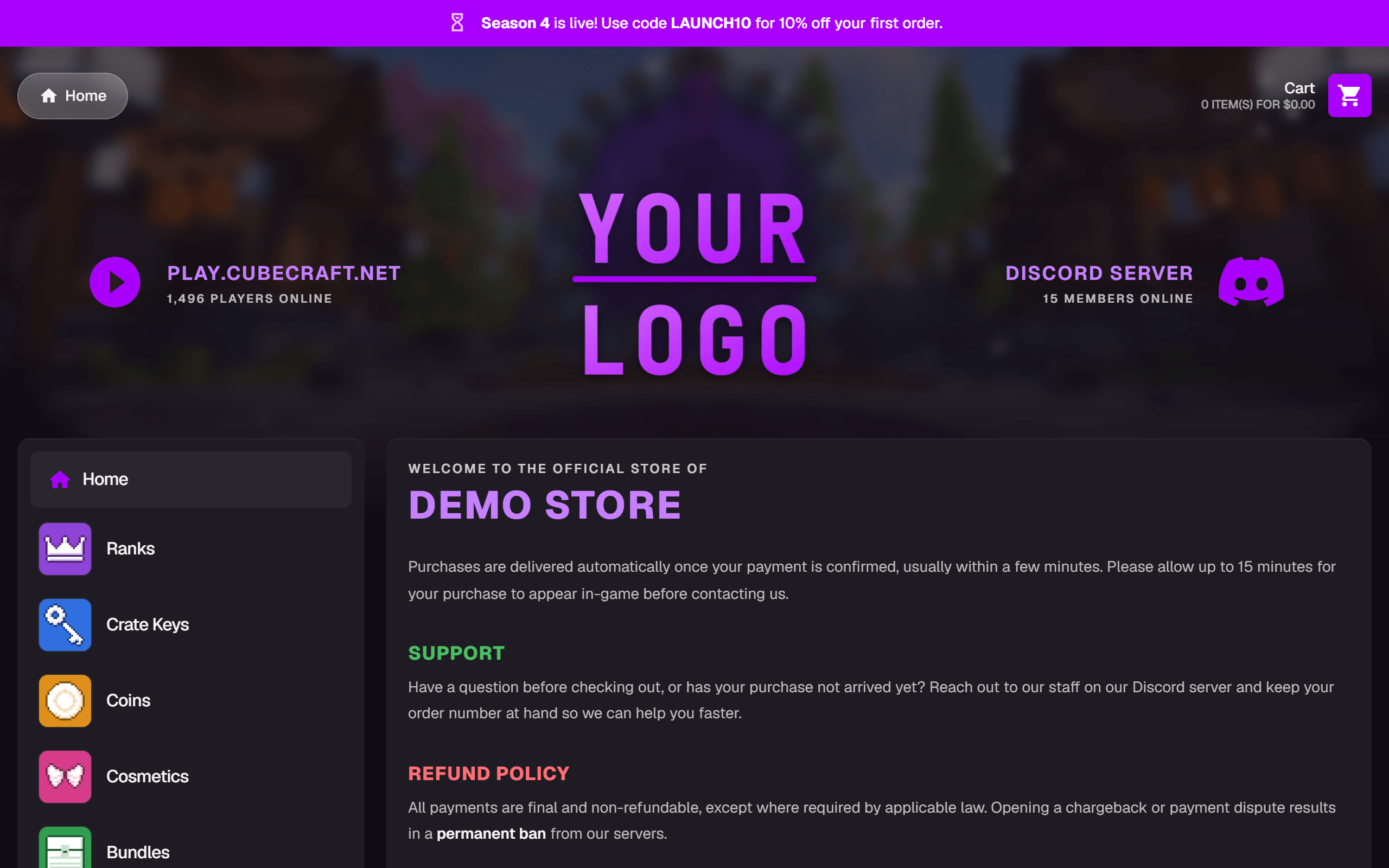
Explore a Gamecart store
Choose one of the two official themes and visit its store as a player.
The default theme. A top menu with product search, a large welcome banner and category cards.
Categories in a sidebar, with your server and Discord up top.
How your players pay
Choose how to get paid. Gamecart handles checkout.

Stripe
International cards on a hosted checkout.


Mercado Pago
Card and account balance.

PicPay
Balance and card in the PicPay app.

PayPal
PayPal balance and card.

Pix
Instant payment with a QR code.

Crypto (NOWPayments)
Crypto payments on a hosted invoice.
Custom gateway
Integrate your own gateway on Enterprise.
More gateways coming soon.
Frequently asked questions
Where do I install the resource?
In resources/[gamecart]/gamecart on your server. Keep the folder named gamecart and add ensure gamecart to server.cfg.
Do players need to download anything?
No. The resource runs only on the server, with no client scripts or NUI.
Which commands can Gamecart run?
The server commands you allow for the resource.gamecart ACE principal. Grant only the commands your products use instead of every command.
What does the resource need to run?
A FiveM server with Cfx Node 22 and its own server token from the dashboard. Use one installation per token.
Tebex is FiveM's official partner. The FiveM server manual names Tebex as the official monetization partner and says that using any other platform or payment provider violates the Platform License Agreement. Gamecart is an alternative, not the official option, and selling through it is at your own risk. Read the FiveM server manual
Join the community
Talk with other server owners and the team. Follow the latest releases.