How to sell Discord roles automatically
How automatic Discord role delivery works, the ways to sell roles (Server Subscriptions, sales bots, your server store) and the role hierarchy the bot needs.

Tanz
6 min read
Selling a Discord role automatically takes three things: a checkout that confirms the payment, the buyer's Discord account, and a bot with the Manage Roles permission that adds the role once the payment is approved. The bot can only grant roles that sit below its own role in the server's hierarchy, so check the role order before your first sale.
You can get those pieces from Discord itself (Server Subscriptions, available only to US-based owners), from a sales bot, or from the store you already use for your game server. Each route changes who collects the money and what happens to the role after a refund.
Why servers sell roles
A role carries permissions and a look, so a paid role usually gives one of these:
- access to private channels, like a supporter chat, a suggestions channel with staff or a members-only voice room;
- visibility in the community, since a member's name shows the color of their highest role;
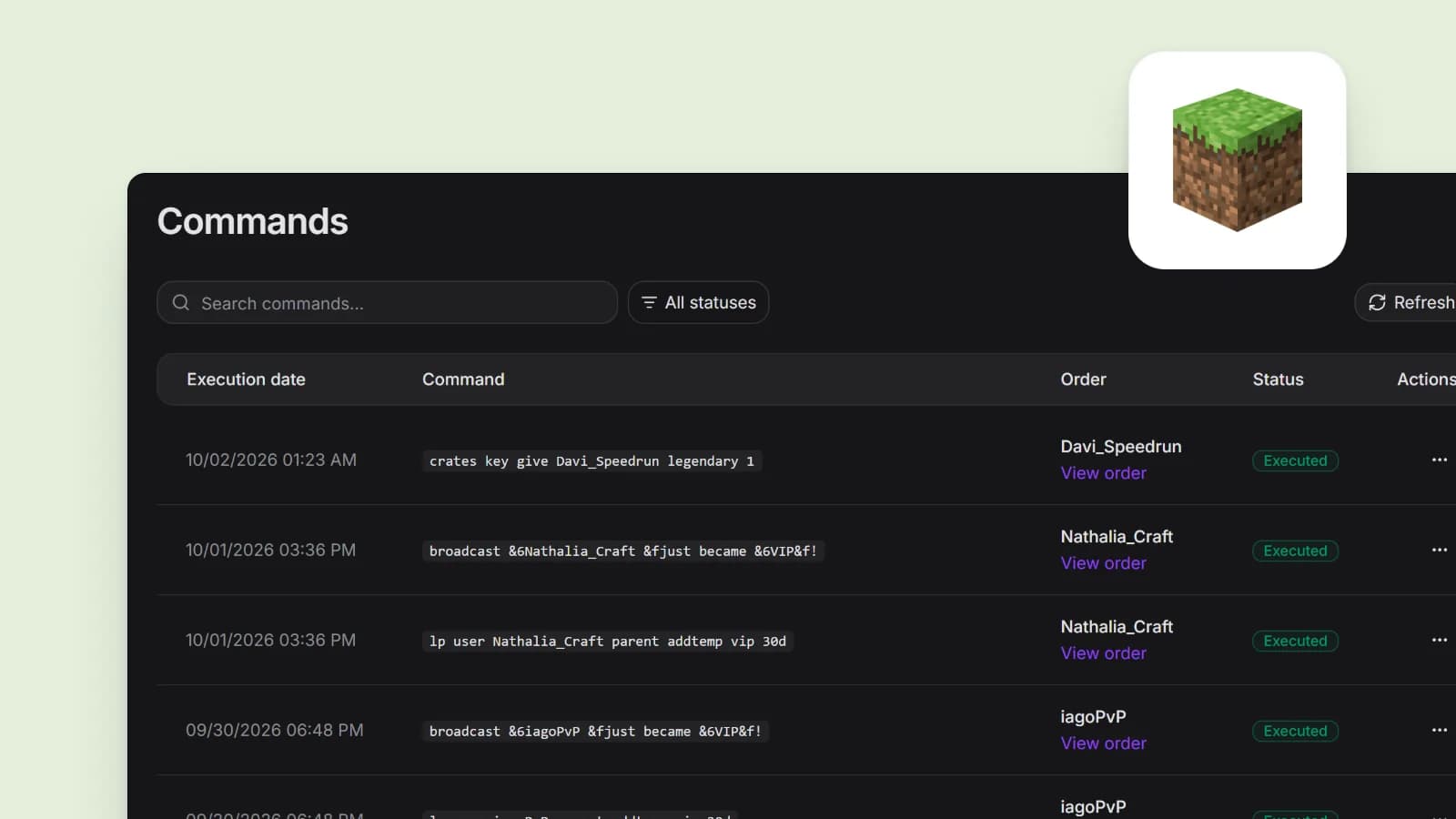
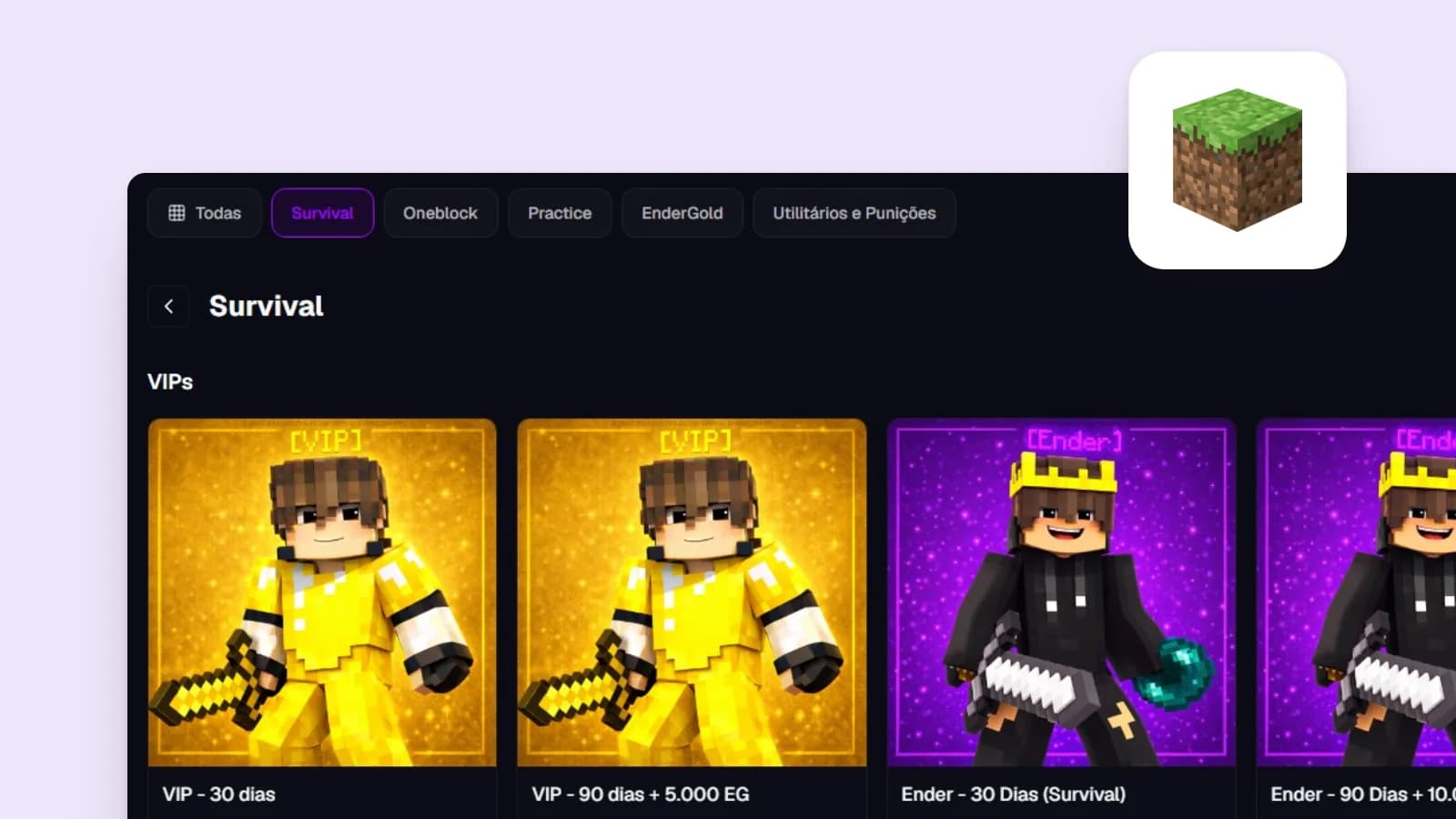
- a mirror of an in-game purchase: a player with VIP on your Minecraft server also gets the VIP role on Discord.
A private channel is set up in Edit Channel > Permissions by turning on Private Channel. According to Discord's help center, this removes View Channel from @everyone, and you then grant the channel to your VIP role.
For the in-game case, the perk inside the game still follows the game's rules. For Minecraft, the servers section of the Minecraft Usage Guidelines covers what a server may charge for.
How automatic delivery works
Any tool that hands out roles on its own follows the same path:
- The buyer picks a product and tells the store which Discord account is theirs.
- The payment provider confirms the charge.
- The system calls the Discord API to add the role to that member.
- The buyer can now see the channels that the role opens.
Step 3 is PUT /guilds/{guild.id}/members/{user.id}/roles/{role.id}. The Discord developer docs describe it as the endpoint that "Adds a role to a guild member" and note that it "Requires the MANAGE_ROLES permission". Removing a role uses the same path with DELETE. Since the call targets a guild member, the buyer has to be in your server to get the role.
Role hierarchy
The permission alone is not enough. Discord's help center says users with Manage Roles "can create and modify roles positioned below their own in the role hierarchy". The permissions docs apply the same rule to bots: "A bot can grant roles to other users that are of a lower position than its own highest role."
In Server Settings > Roles, an order that works, top to bottom:
- Admin and moderator roles
- The role of the bot that delivers purchases
- The roles you sell (VIP+, VIP)
- Everything else, then @everyone
Drag roles to reorder them. If a payment went through and the role never showed up, check first that the bot's role sits above the role you sold.
How to know which account paid
Asking buyers to type their username causes trouble. A typo sends the role to someone else or to nobody, and the user object docs describe username as "not unique across the platform". The value that identifies an account is its id.
The dependable way is Sign in with Discord through OAuth2. The buyer authorizes the identify scope, and the store calls /users/@me, which returns the account with its id and without the email. The role goes to the account that logged in, with nothing typed by hand.
Some tools also request the guilds.join scope, which lets them add the user to your server. That covers people who buy before they join your Discord.
Three ways to sell
Discord Server Subscriptions
Discord's Monetization Terms say offerings "can include things like subscriptions to your server or content, access to certain perks or roles, one-time purchases, and more". There are two formats: Server Subscriptions, monthly with one to three tiers, and Server Shop, where Premium Roles are sold as one-time purchases. Discord's guide for server owners lists Server Products as "currently in beta testing and available to a select group of servers".
What you sign up for:
- You "must be based within the United States" and provide a US bank account and US ID to Stripe. The Creator Revenue FAQ adds that "Server Subscriptions will not be available outside of the United States."
- You need to be 18 or older with two-factor authentication on, and the server needs Community enabled.
- Discord describes a 90/10 split. The Monetization Terms fee schedule shows a 10% platform fee plus a 6% payment processing fee on desktop and browser purchases. On iOS, subscribers see a higher price to cover Apple's cut.
- Your first payout requires $100 in earnings, and later payouts $25.
- Discord handles the checkout, and the Monetization Terms say Discord collects and remits sales tax, VAT and similar taxes where local law requires.
The catch for game servers: the perks live only inside Discord. A subscription won't run a command on your Minecraft server.
Sales bots
There are bots built to sell roles: a member picks a role from a command or panel, pays through a link, and the bot assigns it. Before you invite one, find out:
- where the money lands and what the bot charges per sale;
- which payment methods it accepts;
- which permissions it asks for when you add it;
- what it does with the role on a refund, a chargeback or the end of a paid period.
Discord's Terms of Service treat bots built by other companies as third-party services and state that "Discord is not responsible for any third-party services." If the bot goes down, your buyers come to you.
A server store that grants the role
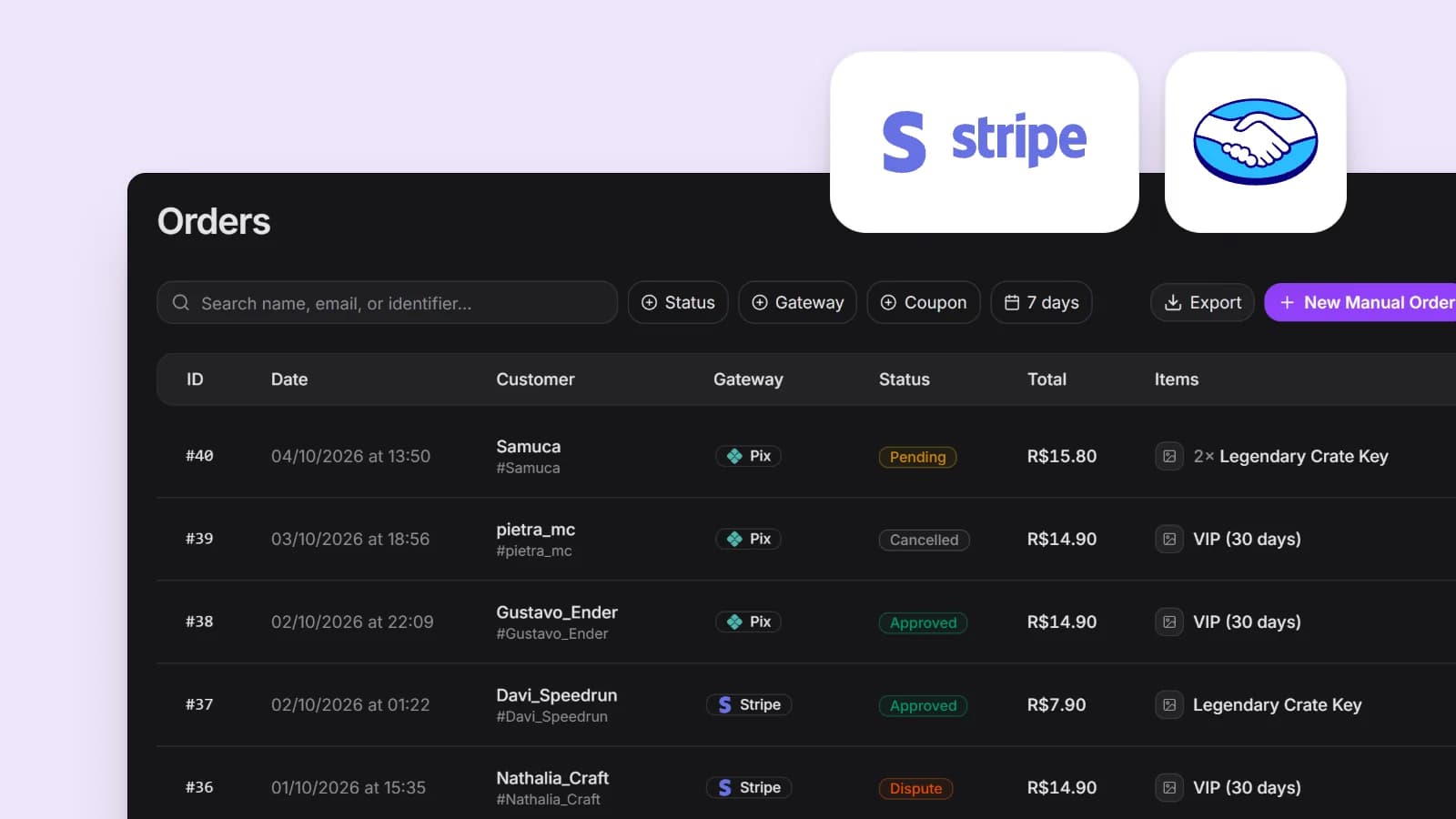
If you already sell ranks in a store for your game server, the same purchase can grant the Discord role too. The player pays once, and the approved order covers both deliveries. If you don't have a store yet, the guide on how to create a store for your server walks through the decisions in order.
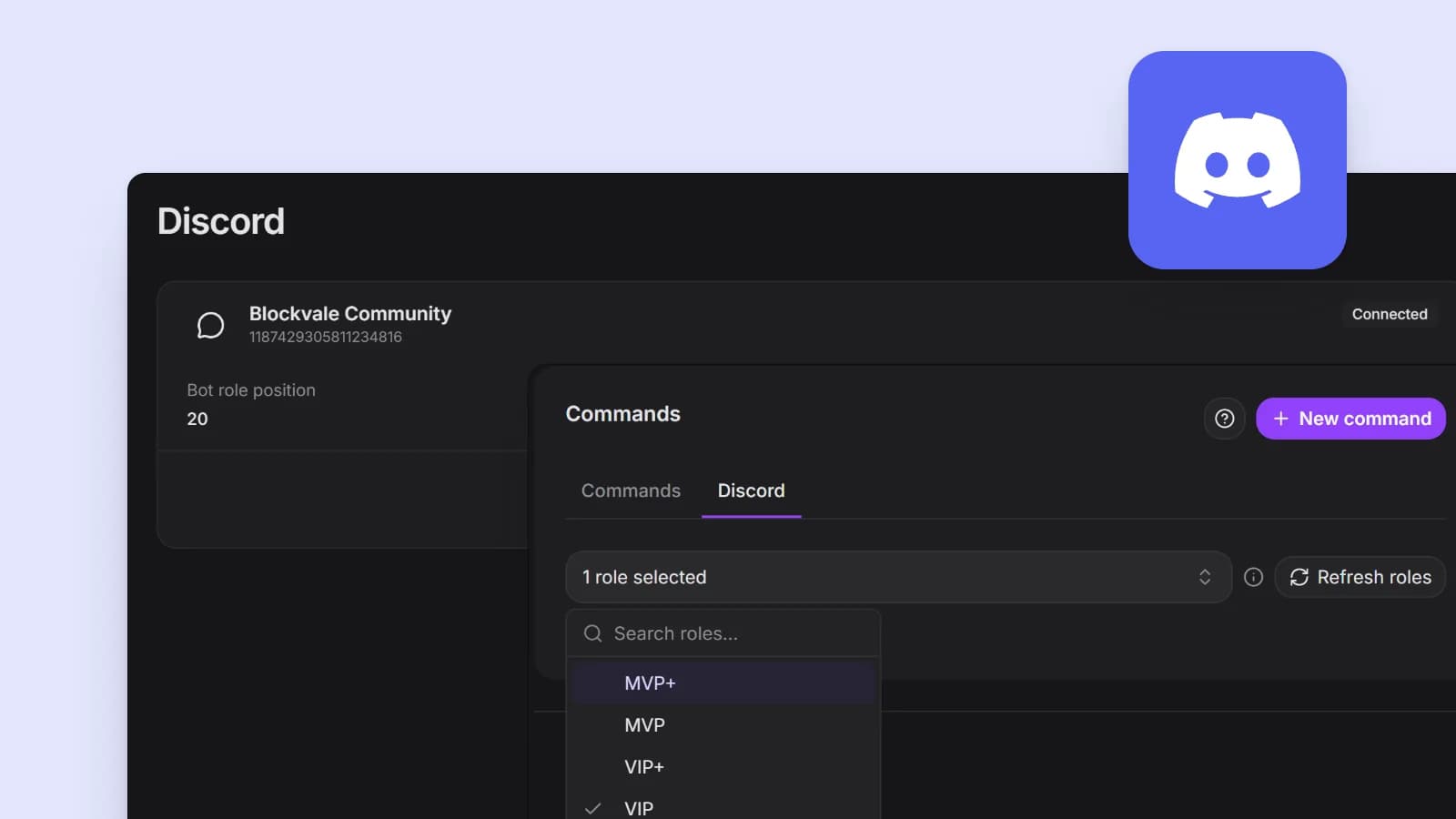
Gamecart is one option here: its Discord integration grants roles when the payment is approved and is included in the Pro and Enterprise plans, per the pricing section. Payments go straight to the seller's own account with the payment provider.
| Discord Server Subscriptions | Sales bot | Server store | |
|---|---|---|---|
| Where the buyer pays | Inside Discord | Through the bot's link | On the store page |
| Who can use it | US-based owners | Depends on the bot | Depends on the platform |
| How you get paid | Monthly payout from Discord, 90/10 plus fees | Depends on the bot | Depends on the platform |
| In-game delivery too | No | Depends on the bot | Yes, if the store is connected to your server |
Refunds, chargebacks and expiring roles
Granting the role is the easy part to automate. Before you sell, decide what happens to it in three cases:
- After a refund, you either pull the role right away or let it run to the end of the paid period.
- After a chargeback, keeping the role means the buyer keeps both the perk and the money.
- When a monthly role expires, it has to come off unless the buyer renews.
Discord's own tools settle some of this. Its guide for owners says a member who leaves the server has their subscription canceled so it won't renew, and that Discord is "unable to provide refunds for server products."
With a bot or a store, ask whether removal is automatic or left to you. If it's manual, log each case so you know who should still have the role.
Put the rule in the product description: how long the role lasts, which channels it opens and what a refund does to it. If you're still choosing between monthly and lifetime roles, the post on how to price server ranks helps you set up the tiers.
Keep the bot safe
- Give the bot only the permissions it uses. For role delivery, Manage Roles is enough. Never give it Administrator, which Discord's help center says "grants all permissions and bypasses all channel restrictions".
- Place the bot's role just above the roles you sell and below your staff roles. A bot can only change roles beneath its own and only grant permissions it has, so a low role limits the damage if its token leaks.
- Keep moderation permissions off the roles you sell. A VIP needs to read and chat; kicking members stays with your mods.
- If your server requires two-factor authentication for moderation, the bot owner needs 2FA too: the permissions docs mark
MANAGE_ROLESas one of the permissions with that requirement.
Tip
Before you announce anything, buy your cheapest role with an alt account. Check that the role arrived, that the right channels appear and what happens when you refund it.
What Discord's rules say
Discord sells roles itself through Server Subscriptions. Its Terms of Service leave "creating custom roles and what those roles can do within the server" to server owners and admins. They apply to every server, so read them before you start selling and again when Discord updates them.
When the sale goes through Discord's own tools, the Monetization Policy applies "to all of Discord’s user monetization features, including Server Subscriptions, App Subscriptions, and Server Shop". Its list of things you may not monetize includes "Intellectual property of other rights holders without written permission" and the facilitation of gambling.
Warning
A paid role is still covered by Discord's Community Guidelines and by the rules of the game it's tied to. If the role mirrors an in-game rank, make sure the in-game perk is allowed before you sell the bundle.
Sources
- https://support.discord.com/hc/en-us/articles/214836687-Discord-Roles-and-Permissions
- https://docs.discord.com/developers/resources/guild
- https://docs.discord.com/developers/topics/permissions
- https://docs.discord.com/developers/topics/oauth2
- https://docs.discord.com/developers/resources/user
- https://support.discord.com/hc/en-us/articles/5330075836311-Monetization-Terms
- https://support.discord.com/hc/en-us/articles/10575066024983-Monetization-Policy
- https://creator-support.discord.com/hc/en-us/articles/10423011974551-Server-Shop-For-Server-Owners-and-Admins
- https://creator-support.discord.com/hc/en-us/articles/10424143128343-Creator-Revenue-FAQ
- https://discord.com/terms
- https://www.minecraft.net/en-us/usage-guidelines

About the author
Tanz
Founder of Gamecart, the store platform for Minecraft, Hytale, FiveM, and other game servers.
Open your server store
Create a free Gamecart store, connect your server, and deliver purchases automatically.